A Faster Tattoo Design Workflow for Artists and Clients
How artists and clients can use AI tattoo generation and virtual try-on to make consultations clearer.

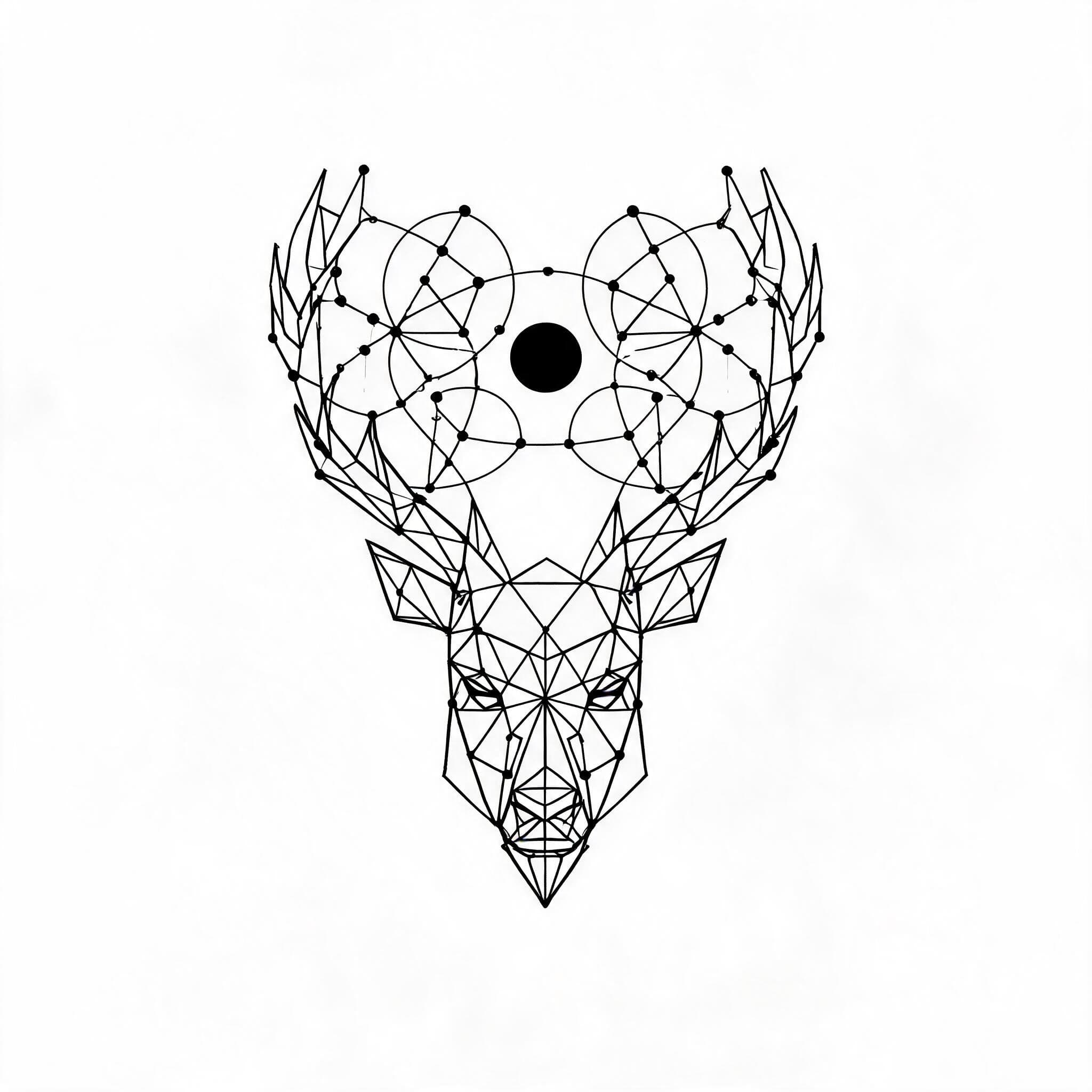
Tattoo consultations often start with scattered references: screenshots, Pinterest boards, old tattoos, symbols, and a sentence like "I want something like this, but different."
That is not a bad starting point. It just takes time to translate. BeforeOuch helps turn early ideas into clearer visual references before the final artist design begins.
Quick answer: AI tattoo tools can make consultations clearer by separating concept exploration from final tattoo artwork. Clients can generate a few visual directions, preview placement with Tattoo Try-On, and bring a cleaner reference packet to the artist, while the artist still controls the final drawing and tattoo execution.
Separate concept from final artwork
AI tattoo generation is best used for exploration. It can quickly show different directions, but it should not be treated as the finished tattoo stencil.
For artists, that distinction matters. A generated concept can help a client explain taste, style, and composition. The artist still controls the final drawing, body fit, line quality, and tattooability.
The workflow is simple:
- Capture the client's idea in plain language.
- Generate a few concept directions.
- Pick what is working.
- Preview size and placement.
- Redraw or refine the final tattoo professionally.
Use generation to narrow style
Clients often know what they like when they see it, but they may not know the name of the style. Generating a few variations can quickly answer questions like:
- Should this be fine line or illustrative?
- Does the idea need color or black ink?
- Is the composition too detailed for the placement?
- Would a simpler version age better?
This saves time because the conversation becomes visual instead of abstract.
Use try-on to discuss placement
Placement conversations are easier when everyone is looking at the same preview. With Tattoo Try-On, a client can upload a body photo and test a design on the actual area they are considering.
That preview can surface practical issues early:
- the design is too wide for the forearm
- the detail is too small for the wrist
- the angle does not follow the body
- the client wants more or less visibility
The artist can then guide the client with better context.
This is especially useful when a design has to fit a curved area, sit near existing tattoos, or remain readable at a smaller size.
Keep client expectations clear
AI previews are planning tools. They are not promises that the final tattoo will look identical. Skin tone, body shape, ink behavior, aging, and the artist's technique all affect the final result.
Set the expectation directly: the preview helps choose direction and placement, then the artist adapts the design for real skin.
Build a cleaner consultation packet
Before an appointment, a client can bring:
- the original prompt or idea
- two or three generated concepts
- one preferred placement preview
- notes on size, style, and must-keep details
That packet gives the artist enough structure to start from, without locking them into a weak design.
Better inputs make better tattoos
The value of BeforeOuch is not that it replaces the artist. It improves the inputs to the artist-client conversation.
When a client can show the idea, compare style options, and preview placement, the consultation becomes more specific. That usually leads to fewer misunderstandings, better design decisions, and a tattoo that feels considered before it becomes permanent.